Use a separate PDF
Do not place finishing instructions only inside the main artwork file. Upload a separate finishing PDF.
Guides / Add-on
Some specialty finishes require an additional PDF that clearly separates the finishing area from the printed artwork.
Do not place finishing instructions only inside the main artwork file. Upload a separate finishing PDF.
The finishing area should be shown in black, with everything else blank.


If you have embossing, foil stamping, die-cut, or spot UV, please upload an additional PDF.
Everything that will be embossed / foil stamped / die-cut / spot UV coated should be shown in black, and everything else should be blank.
The embossing file should show only the portion to be embossed in black, just like in the example.
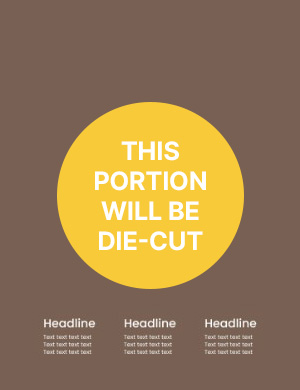

If you want to apply die-cut, please upload an additional PDF.
Everything that will be die-cut should be shown as a black line, and everything else should be blank.
The die-cut file should show only the portion to be cut in black line, just like in the example.
